We’re looking for great people to do this work. Passionate, creative, caring people who believe they can make a difference. Is that you?






Featured position
Stormwater Monitoring Engineer (Environmental Engineer 5)
Location: Thurston County – Lacey, WA
Pay: $88,416.00 - $118,932.00 Annually
Description:
The Water Quality Program within the Department of Ecology is looking to fill a Stormwater Monitoring Engineer (Environmental Engineer 5) position.
This position is located in our Headquarters Office in Lacey, WA. Upon hire, you must live within a commutable distance from the duty station.
As the lead staff for the Stormwater Action Monitoring (SAM) program, you will be responsible for bringing together municipal stormwater permittees to collaborate on adaptive management under the Western and Eastern Washington municipal stormwater permits. SAM's projects aim to improve stormwater management, reduce pollution, improve water quality, and reduce flooding. You will oversee projects that measure stormwater impacts on the environment, evaluate the effectiveness of efforts to manage stormwater, and recommend stormwater best management practices as part of an adaptive management effort to inform regulatory and guidance updates.
What makes this role unique?
You will guide the implementation of municipal stormwater monitoring programs of regional and national significance. You will be responsible for an approximate $3.5M annual budget to administer the Stormwater Action Monitoring (SAM) program which is funded by stormwater permittees. You will negotiate and manage contracts implementing stormwater research. You will understand stormwater science and engineering principles and communicate that information to permittees, other Ecology staff, and stakeholders; and manage budgets, track spending, and ensure deliverables meet expectations.
More information about SAM is available on Ecology’s website: Stormwater Action Monitoring - Washington State Department of Ecology.
What you will do:
- Serve as the section’s senior environmental engineer responsible for the planning, implementation, and administration of the Stormwater Action Monitoring (SAM) program.
- Provide mentoring, training, and engineering expertise on municipal stormwater monitoring programs, best management practices, and permit requirements based on SAM monitoring findings.
- Apply conventional engineering techniques and principles in assessing stormwater best management practice effectiveness study proposals and reports, and hydraulic and hydrologic modeling inputs and outputs.
- Evaluate study fundings for applicability to Ecology stormwater manuals, permits and models and communicate findings with permitting technical leads to ensure SAM and other research findings are integrated into manuals, modeling, permits, and guidance updates.
- Assign work and instruct the Stormwater Monitoring Scientist on implementing SAM’s effectiveness monitoring projects.
- Develop and administer contracts and interagency agreements, review contract deliverables, and approve payments.
- Oversee collection of SAM invoicing with permit writers and the Water Quality Permit Fee Unit and document payments received. Work with budget staff to prepare financial reports on SAM expenditures and project balances.
- Lead development of communication strategies to make research findings more accessible including publicizing findings and presenting findings at meetings and seminars.
Posted 4/18/2024
Current openings at Ecology (on careers.wa.gov)
>> See quick tips for using careers.wa.gov to find your new job.
>> Open careers.wa.gov in full screen to see all open Washington State jobs.
Career opportunities
We are an equal opportunity employer. We strive to create a working environment that includes and respects cultural, racial, ethnic, sexual orientation and gender identity diversity.
Women, racial and ethnic minorities, persons of disability, persons over 40 years of age, veterans or people with military status, and people of all sexual orientations and gender identities are encouraged to apply.
Working at Ecology
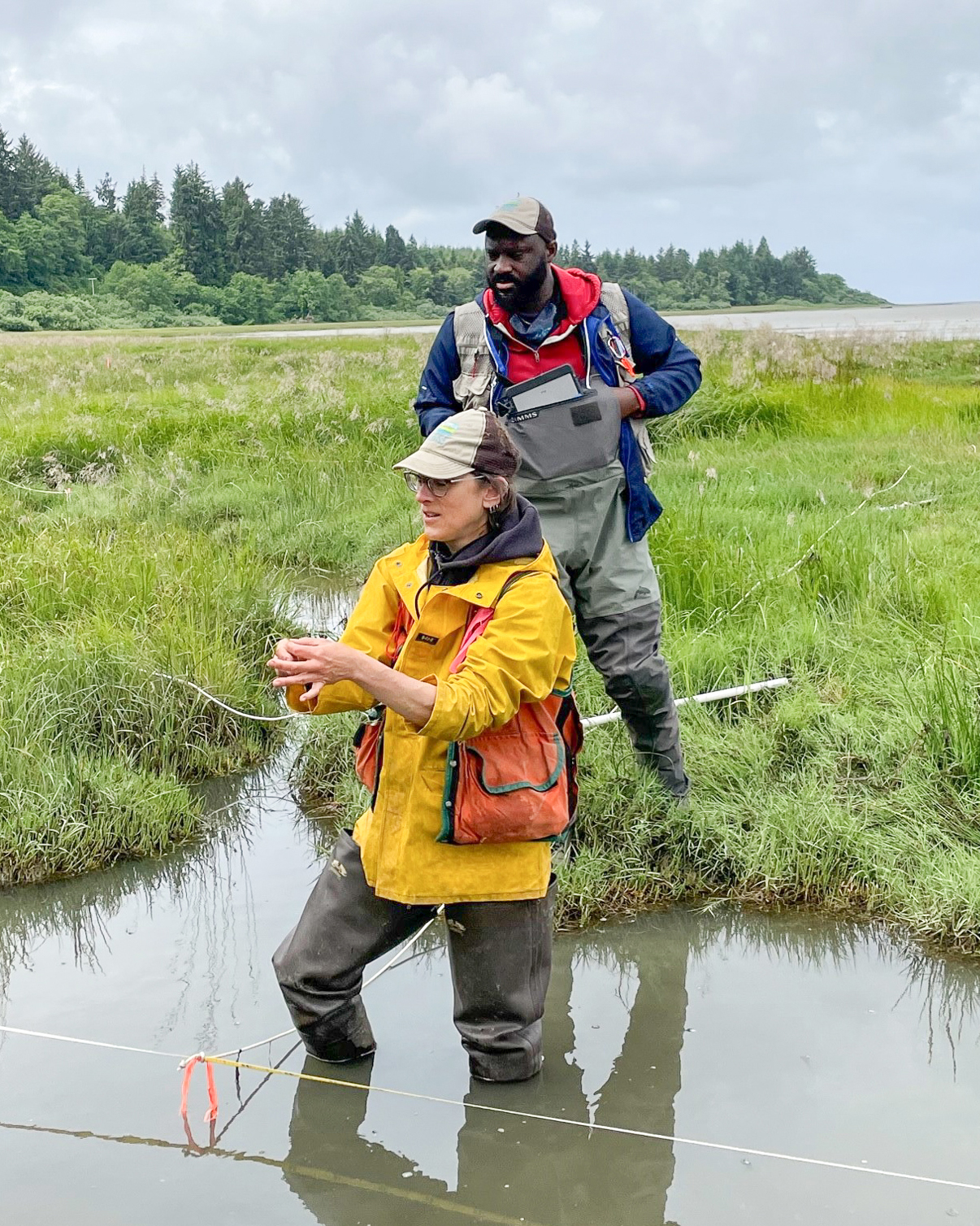
As an agency, our mission is to protect, preserve, and enhance Washington’s environment for current and future generations. We invest in our employees to create and sustain a working environment that encourages creative leadership, effective resource management, teamwork, professionalism, and accountability.
Most Ecology positions offer:
- Full health benefits
- Excellent retirement benefits
- Potential student loan forgiveness
- Option for partial telecommute schedule
- Option for flexible scheduling
- Optional union membership
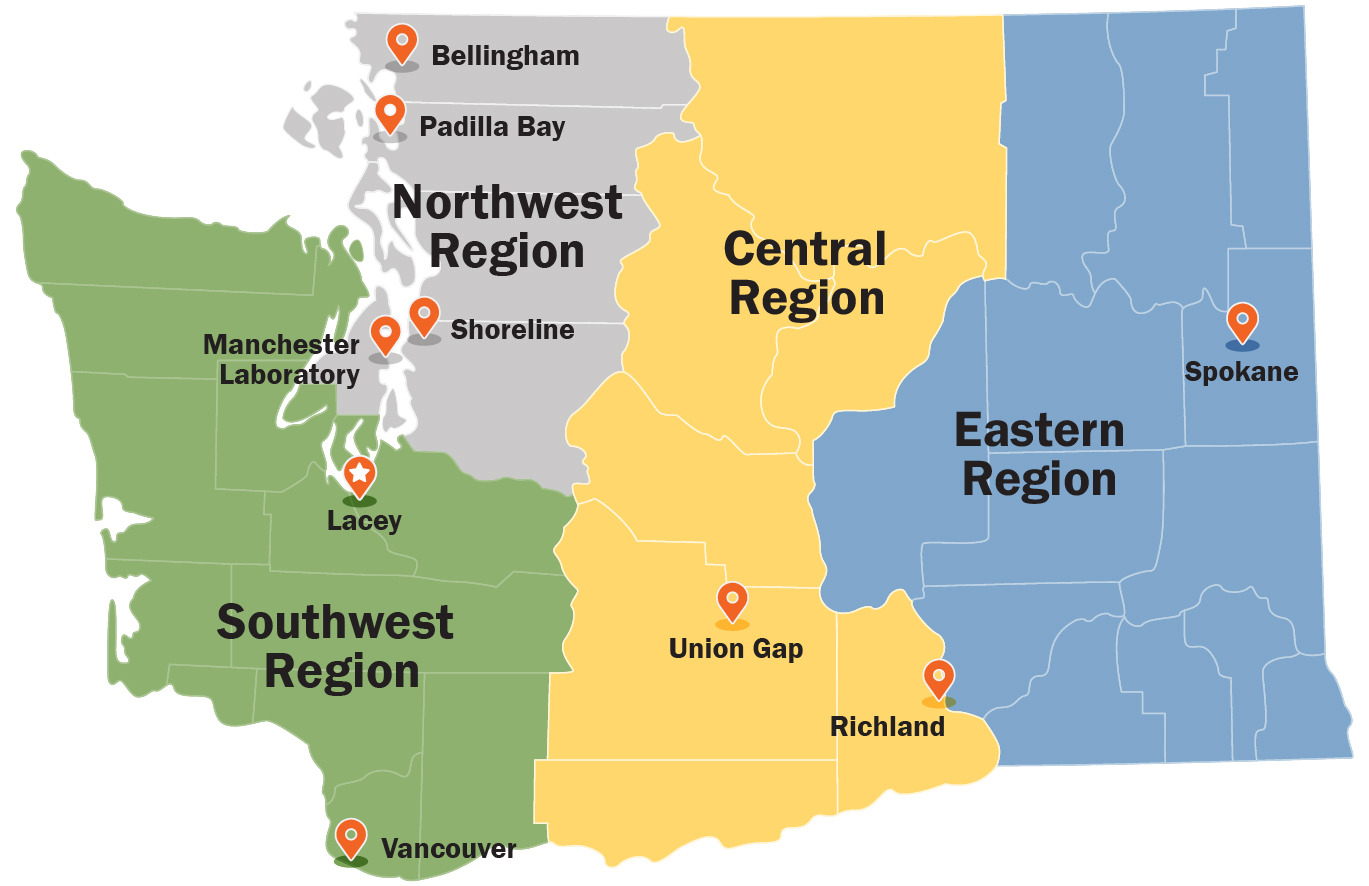
Ecology has offices in many
Washington communities
Why public service?
Working for Ecology means working for the people of Washington. It’s a different environment than most private sector jobs. We’re not here to make a profit, we’re not out to crush the competition, and we can’t succeed as an organization unless we make Washington a better place to live, work, and raise a family.
People who work for Ecology tell us that spirit of service means something more than just a paycheck. And it extends to everyone at our agency, whether you’re getting your boots muddy cleaning up an oil spill, developing new policies to fight climate change, or supporting our staff in payroll or human resources. Working in public service means knowing that your work matters.
Contact information
Jake Barkman
careers@ecy.wa.gov
Voice: 360-407-6186 (voice) Relay service: 711
TTY, for persons with speech disability: 877-833-6341